Getting started
-
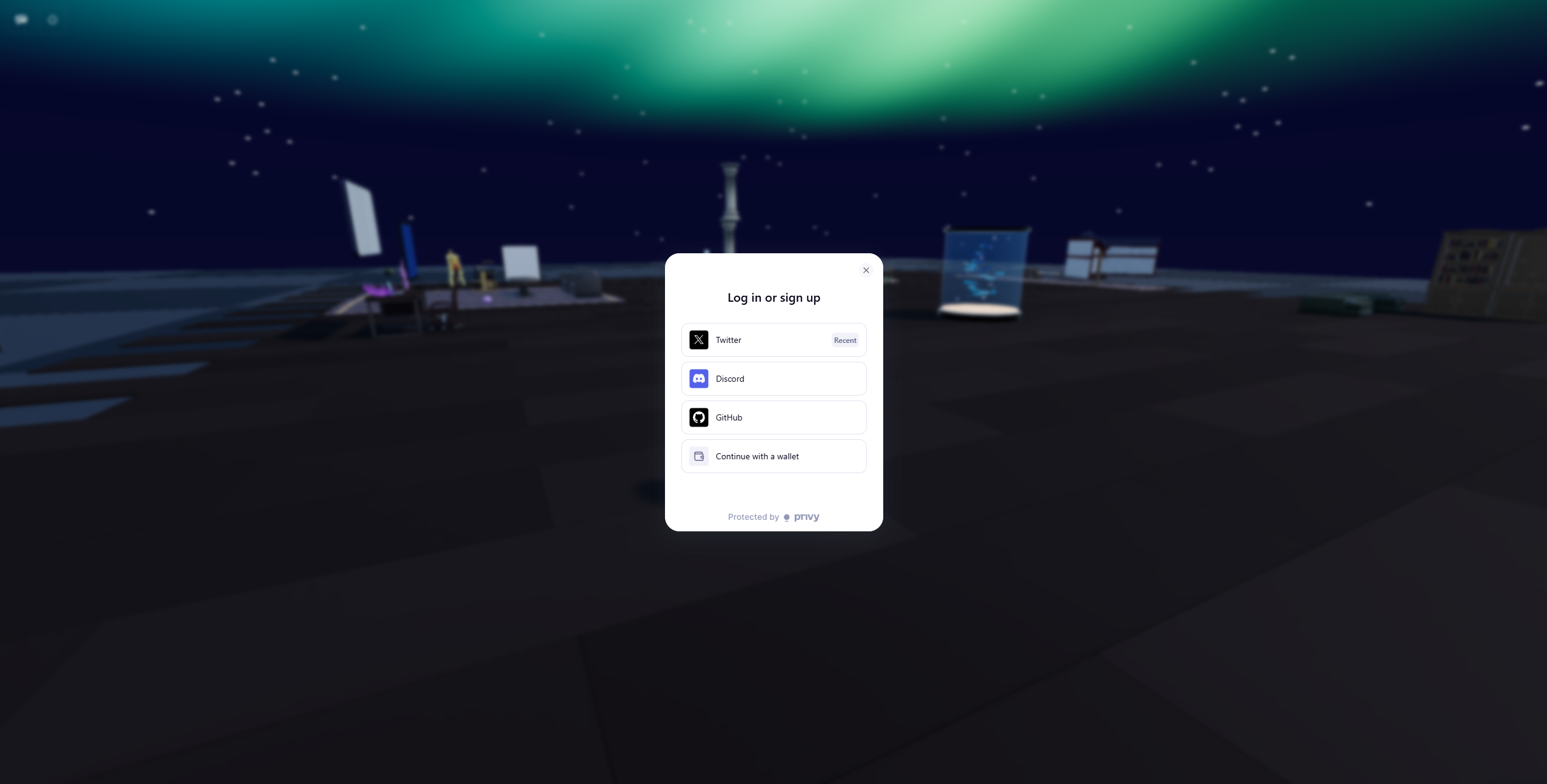
Sign in on https://lobby.ws
-
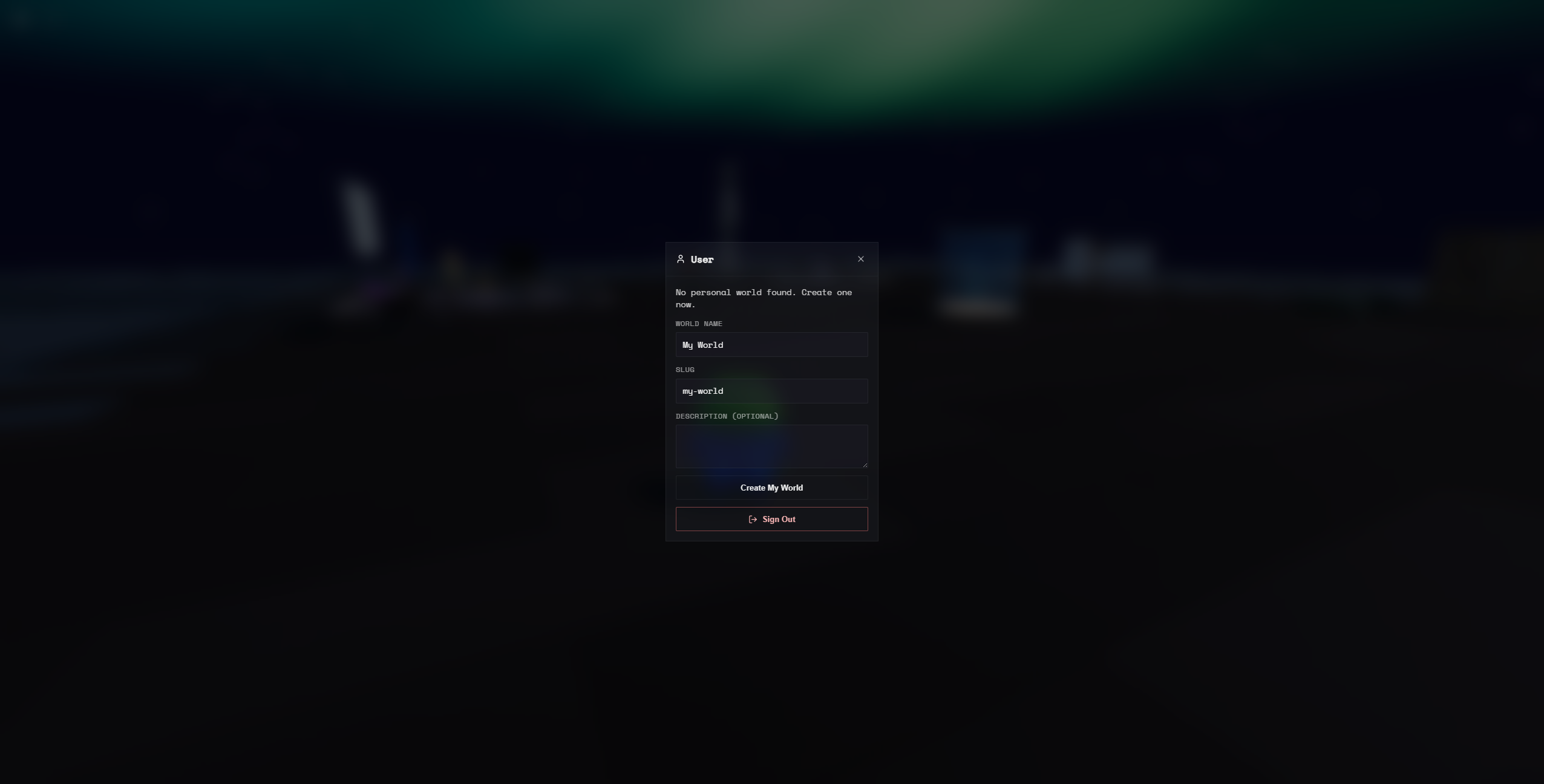
Create a World
-
Press tab to open the builder menu, copy the setup prompt and send it to an agent, intialized in an empty directory. If you don't know how to do this, open your terminal and paste
mkdir ~/lobbyws/project && cd ~/lobbyws/projectthen typeclaudeorcodexetc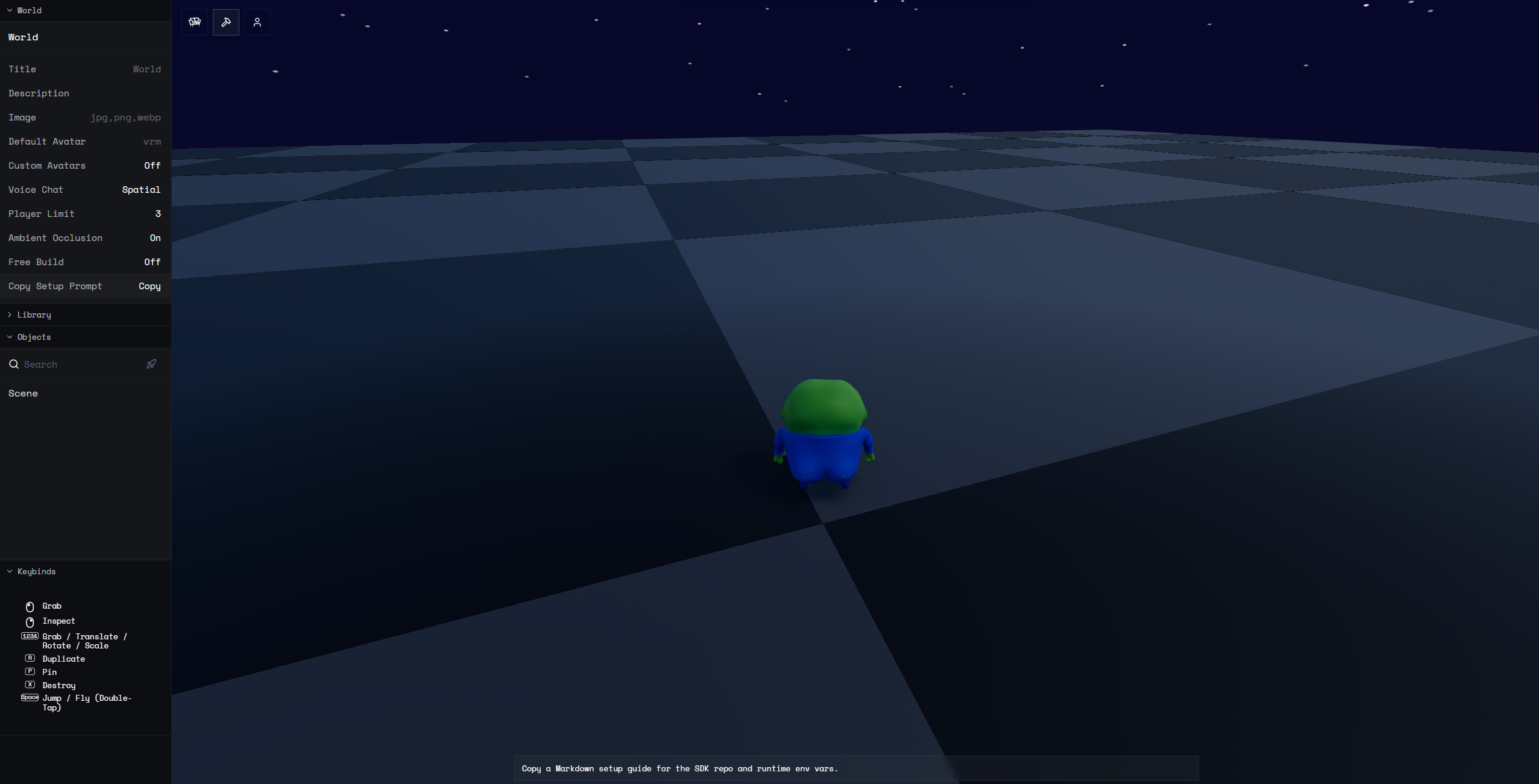
-
Once the agent runs the setup prompt, the SDK gets cloned into your working directory. From there, you can describe what you want in plain English and the agent will build it.
Tips for better results:
- When you hit an error, copy the server/client logs and feed them to the agent. It will diagnose and fix issues much faster with real output.
- The docs are contained in the SDK, so if you get vaguely familiar with them, you can guide the agent to look at them.
-
Use the client editor for any other needs — move objects around, drop in templates, and edit code, all in live multiplayer.